Details
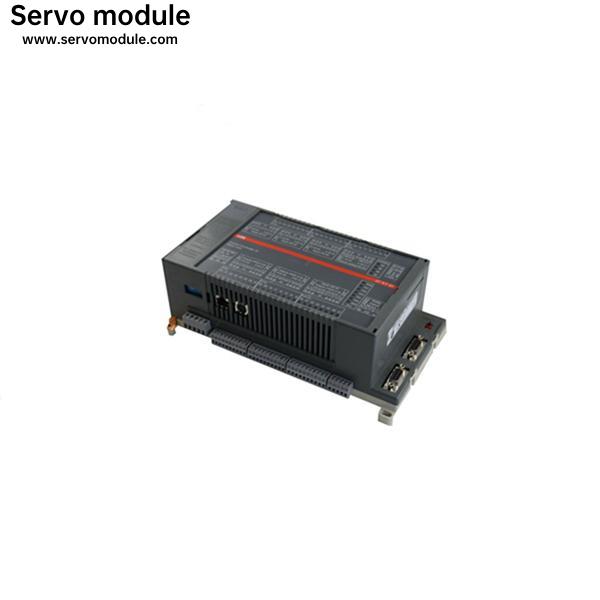
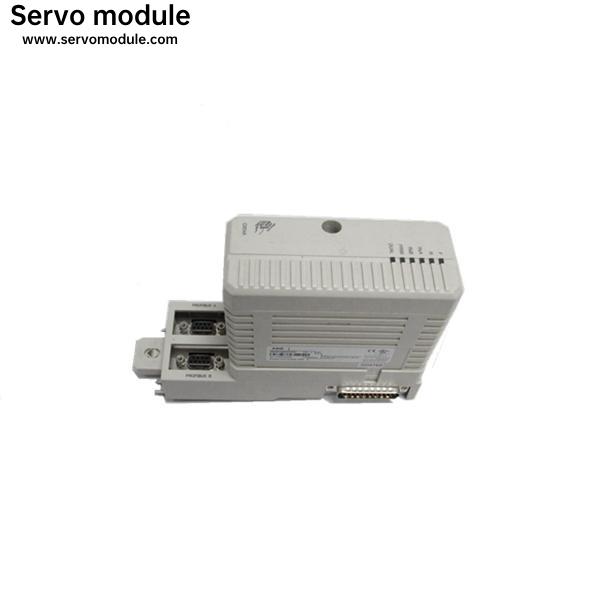
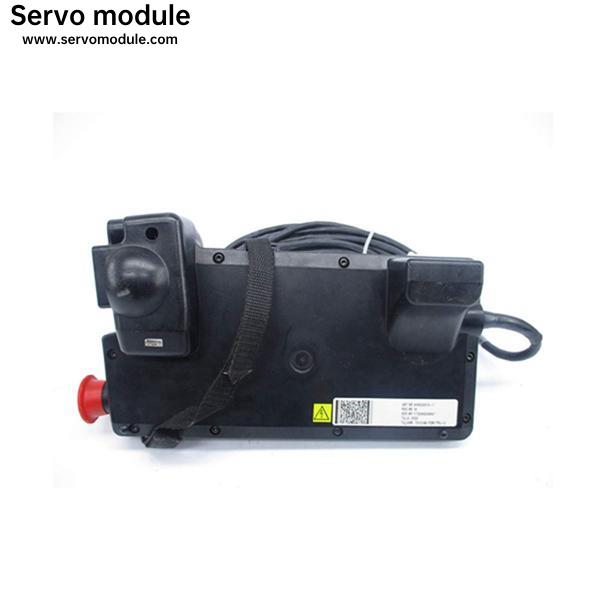
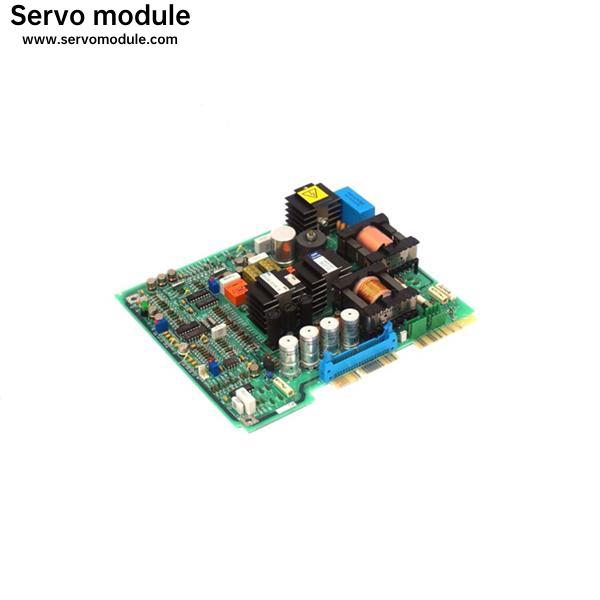
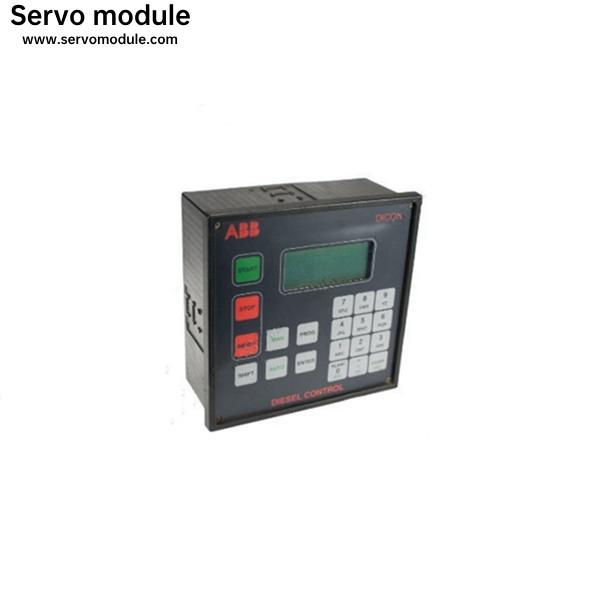
Brand New and original PLC Module 07KT94-98/GJR5252690R0001
Description
It is very important after completing this procedure to load and run the calibration program on the Boot Disk 4. This is done by inserting Boot Disk 4 (article number 3HAB2312-2/rev#) and pressing: PROGRAM FILE OPEN Select the directory: SERVICE, press ENTER, then CALIBRAT, press ENTER, then select the appropriate file name. Example: For an IRB 6400 the appropriate file name is “cal6400.prg”. Press OK. Then start the program and answer the questions for your robot. This information can be found on the tag next to the main disconnect.